Rec Room: A New Semester Workshop Mods & December SDK
Download community UIs, keybinds, and story mods—then prep for December room import and avatar-by-request tooling.
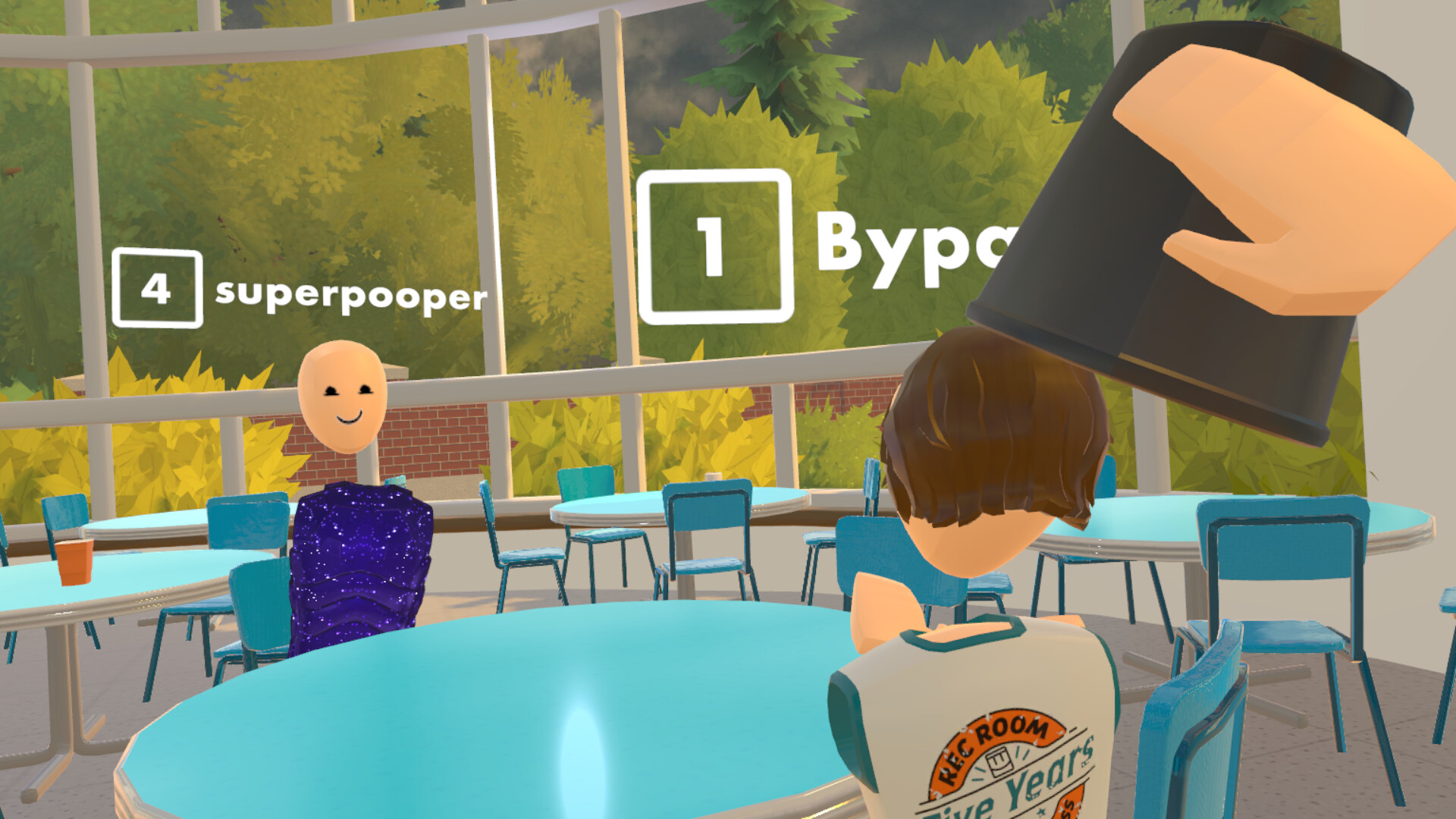
Workshop and the December SDK are how Rec Room: A New Semester (RR:ANS) turns a fun sandbox into a true platform. Thunderstorm Games’ free-to-play Steam title (app 4877420, Early Access November 24, 2026) already ships Creator Pen room building; Workshop extends that with community-made UIs, keybinds, and story mode mods, while the December SDK adds room import onto your account and avatars imported by request. This guide explains what each layer does, how it relates to in-world building, how to stay safe, and how to prep so you are ready when tooling lands.
RR:ANS stays free forever with no microtransactions. Thunderstorm Games / Bypasser / Team-VR are not affiliated with Rec Room Inc. Treat every download path as official-or-busted: if a site asks you to run an injector outside Steam Workshop rails, walk away.
If you still need day-one install help, finish Getting Started first. Builders should keep Creator Pen open in another tab—Workshop and SDK amplify that tool rather than replace it. Timeline context lives on the Roadmap to 1.0 and the Updates Hub.
Workshop vs Creator Pen vs SDK (mental model)
| Layer | What it is for | When you use it |
|---|---|---|
| Creator Pen | In-world build, invent, share rooms | Day one of Early Access |
| Workshop | Download community UIs, keybinds, story mods | As Workshop rails open and grow |
| December SDK | Import rooms to your account; avatars by request | December window after EA launch |
Creator Pen is the craft table. Workshop is the shared shelf of player-made tweaks and narrative packs. The SDK is the loading dock for bringing external room (and requested avatar) assets onto your Steam-linked account. You can be excellent at one layer without mastering all three—but creators who plan big campuses should learn how they connect.
Workshop mods: UIs, keybinds, story
Official feature talk calls out three practical Workshop categories:
UI mods
UI packs help declutter menus, enlarge readability for flat-screen players, or reshape HUD density during long Creator Pen sessions. Good habits:
- Install one UI pack at a time so you can name the culprit if a panel breaks after a patch.
- Keep a vanilla UI profile for bug reports—Early Access needs clean repros.
- Prefer accessibility-minded packs (contrast, scale) over pure cosmetic noise.
Keybind mods
Keybind / control packs sit beside the remappable defaults covered in Controls. Use them when:
- You share a PC between VR and screen players and want saved layouts.
- You need creator-flight or pen shortcuts closer to your left hand.
- A disability-friendly remap is easier to share as a Workshop item than a screenshot of settings.
Always re-verify binds after a major patch; Early Access will reshuffle tools as Creator Pen expands.
Story mode mods
Story mods can alter presentation, pacing aids, or alternate framing around the episodic arc and evolving main menu. Pair them with Story Mode etiquette:
- Label spoiler assumptions (which menu stage the mod expects).
- Do not force story mods on friends still on the black-void menu.
- Report conflicts between story mods and official episode checkpoints so the studio can prioritize fixes.
Workshop content is not a cash shop. RR:ANS has no microtransactions—mods extend the free platform; they do not unlock paid power.
December SDK: room import and avatar-by-request
Roadmap messaging highlights a December SDK with two player-facing outcomes:
- Import rooms straight onto your account so authored spaces travel with you instead of living only as fragile local drafts.
- Avatars imported by request—not fully self-serve at announcement time—so distinctive looks can enter the campus through a moderated path.
What that means in practice before December:
- Keep tidy source folders (meshes, textures, notes) for anything you hope to import.
- Prototype layouts inside Creator Pen now; hierarchy, collision, and spawn flow still matter after import.
- Do not promise friends a custom avatar date until the request process is documented on Steam/Discord.
- Watch Updates and the roadmap for docs links the day the SDK drops.
After import lands, test in a private room before overwriting a public hit. Screen and VR both need a cold-join pass—see the quality checklist in Creator Pen.
Safety: official rails only
Modding ambition attracts shady tools. Protect your account and friends:
- Prefer Steam Workshop / studio-documented SDK paths only.
- Never run “unlock all outfits,” memory editors, or unsigned injectors—cosmetics are free through events and roadmap waves anyway (Tier List Hub).
- Do not paste unknown PowerShell/batch “setup” scripts from random Discord DMs.
- Keep Steam Guard on; treat account recovery as harder than reinstalling a room.
- If a mod asks for your password or session cookie, it is malware cosplay.
Hardware and storefront sanity checks (VR matrix, OS builds) live under Tools—use those pages when a mod claims it “needs” a cracked headset runtime.
Prep checklist (creators and power users)
| Prep item | Why it matters |
|---|---|
| Stable Creator Pen sandbox room | Baseline to compare before/after mods |
| Vanilla profile / clean bind set | Bisect Workshop regressions |
| Named backups of WIP rooms | Survive import mistakes |
| Spoiler policy for story mods | Protect friends’ Story Mode progress |
| Discord + Steam news watch | discord.gg/EBqDcGxC2q and app 4877420 posts |
| Hardware notes | Screen vs VR comfort before long build nights |
| Wishlist + EA mindset | ~2 years of iteration toward 1.0 |
Suggested learning path
- Build a tiny hangout with Creator Pen and invite two friends.
- Browse Workshop for a single UI or keybind pack—install, play an hour, then decide.
- Skim story mod descriptions without installing until you finish early episodes.
- Organize an “import later” folder for meshes you might feed the December SDK.
- Write a short community tutorial when something clicks—the studio explicitly values Maker Pen / Creator Pen teaching on the road to 1.0.
- Recheck Updates each December week so SDK docs do not surprise you mid-project.
How Workshop content fits social play
Mods should make parties better, not exclusive. Share UI tips in Rec Center conversations, but never gate a public room behind “must install this pack.” Use parties and invites from the Players Hub social loop so collaborators can opt in. If a story mod changes music or menu framing, warn the party before launch.
Common mistakes
- Installing five Workshop packs the night before a showcase and blaming Steam when something breaks.
- Treating SDK room import as a substitute for learning collision and spawn design.
- Assuming avatar import is instant self-serve on day one of the SDK window.
- Paying a third party for “premium mods”—there is no official MTX surface to legitimize that.
- Skipping vanilla repro steps when filing Early Access bugs.
Related pages
- Creator Pen — in-world building foundation
- Story Mode — episodes, menu stages, story-mod etiquette
- Roadmap to 1.0 — Workshop, SDK, creation pillars
- Updates Hub — patch and seasonal trackers
- Tools — requirements and helper pages
- Guides Hub — full how-to index
- Getting Started — install and Rec Center basics
- Players Hub — find collaborators safely
Workshop and the December SDK exist so the campus keeps growing after the trailer glow fades. Stay on official rails, ship small rooms often, and fold imports in when documentation—not Discord rumors—says the dock is open.
Frequently Asked Questions
Quick answers for Rec Room: A New Semester players.
What Workshop content does Rec Room: A New Semester support?
Feature plans highlight community-made UIs, keybinds, and story mode mods distributed through Workshop-style pipelines—not a paid mod store.
What does the December SDK add?
Room import onto your account, plus avatar imports handled by request. Follow Updates and the roadmap for exact docs when December tooling ships.
Do I still need Creator Pen if Workshop and SDK arrive?
Yes. Creator Pen remains the in-world build tool. Workshop tweaks and SDK imports extend it; they do not replace learning spawn flow, collision, and sharing.
Are injectors or “unlock all” tools safe?
No. Use official Workshop/SDK paths only. RR:ANS has no microtransactions, so paid unlock tools are scams and account risks.
Where should I track timing for SDK and mods?
Use the Updates Hub and Roadmap to 1.0 pages, plus Steam news for app 4877420 and the official Discord invite from the store page.